← Back to home

Inside the Academy

See the L3ARN 3D Academy

These are real screenshots of the 3D Academy children explore, captured in a web browser from the current build. Nothing here is a mock-up.

The art is an early pass and will keep improving. A full video walkthrough of parent setup, child entry, the first mission and the learning report is still in production.
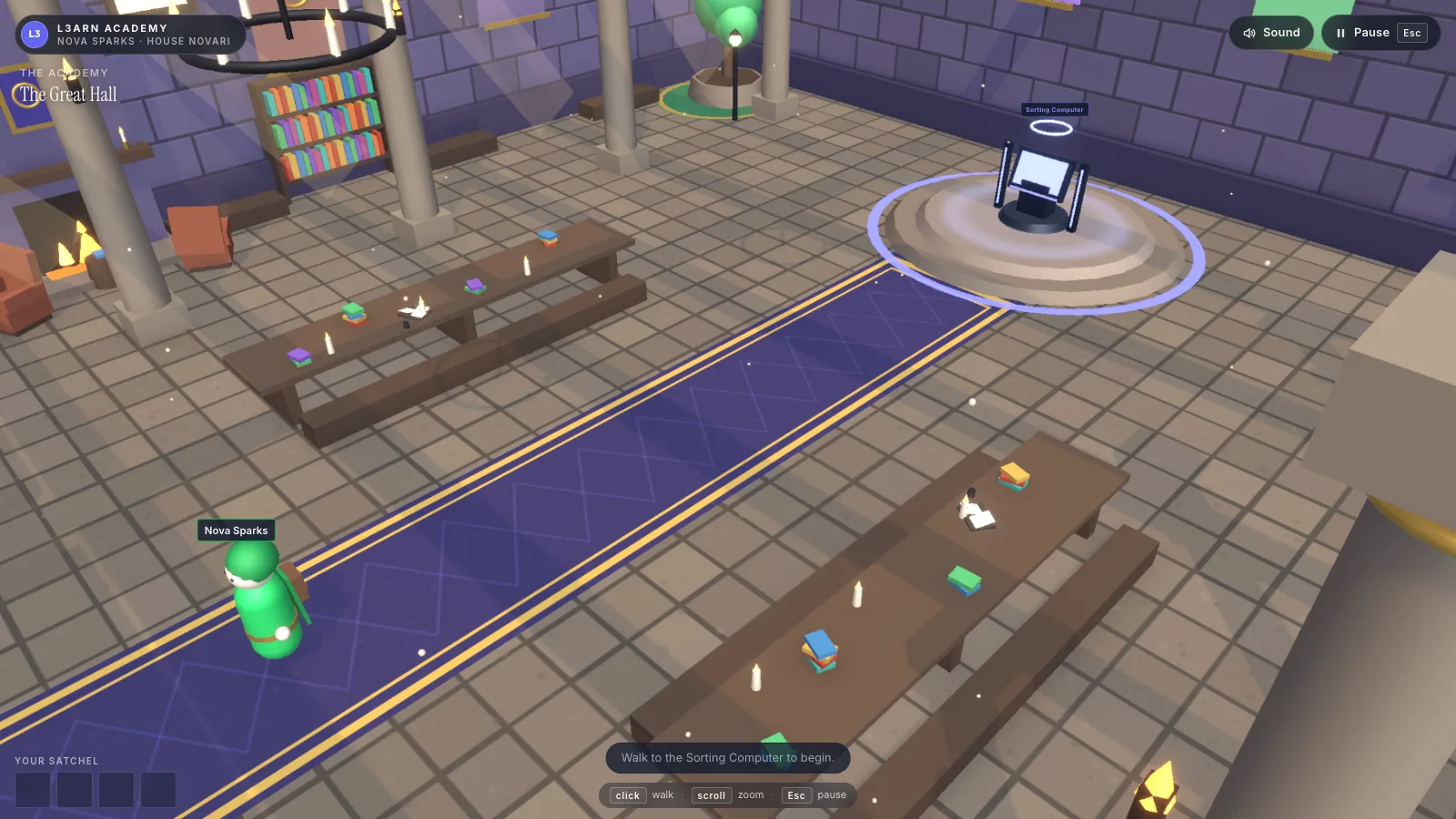
  • Screenshot of the L3ARN 3D Academy: a child's green-robed avatar stands on a long purple carpet in the Great Hall, between wooden tables with books and candles, with the Sorting Computer glowing on a raised dais ahead. On-screen labels read The Great Hall and Walk to the Sorting Computer to begin.
    The Great HallThe Academy's main room. The first mission begins at the Sorting Computer on the dais.
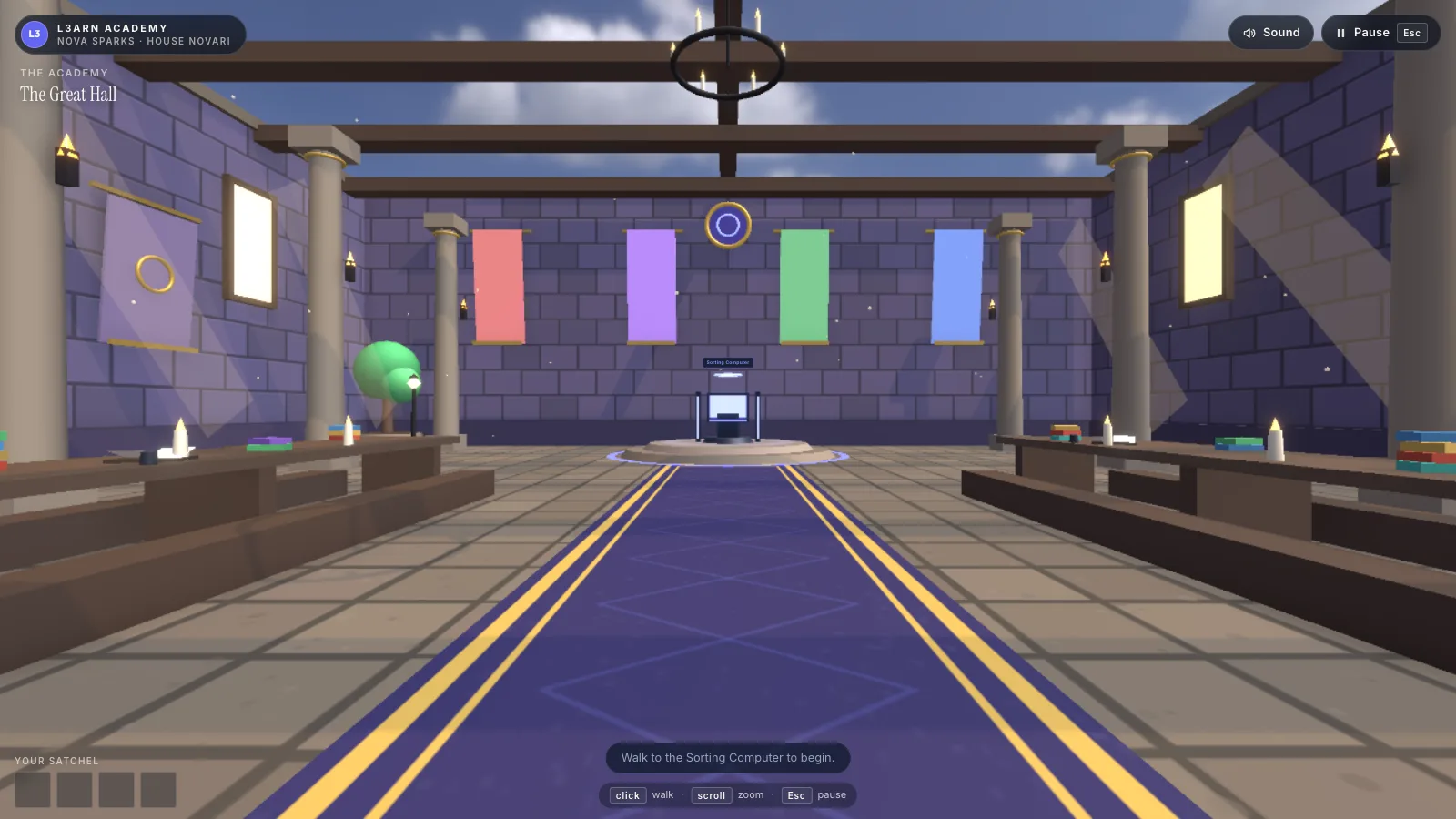
  • Screenshot of the Great Hall in first-person view, seen at eye level: a purple carpet with gold stripes runs between long tables toward the Sorting Computer, under red, purple, green and blue House banners and an open beamed roof.
    The Great Hall, first-person viewThe same hall in first-person, the default view on a computer with a mouse. Tablets and devices set to reduce motion use point and walk, the overhead view above.
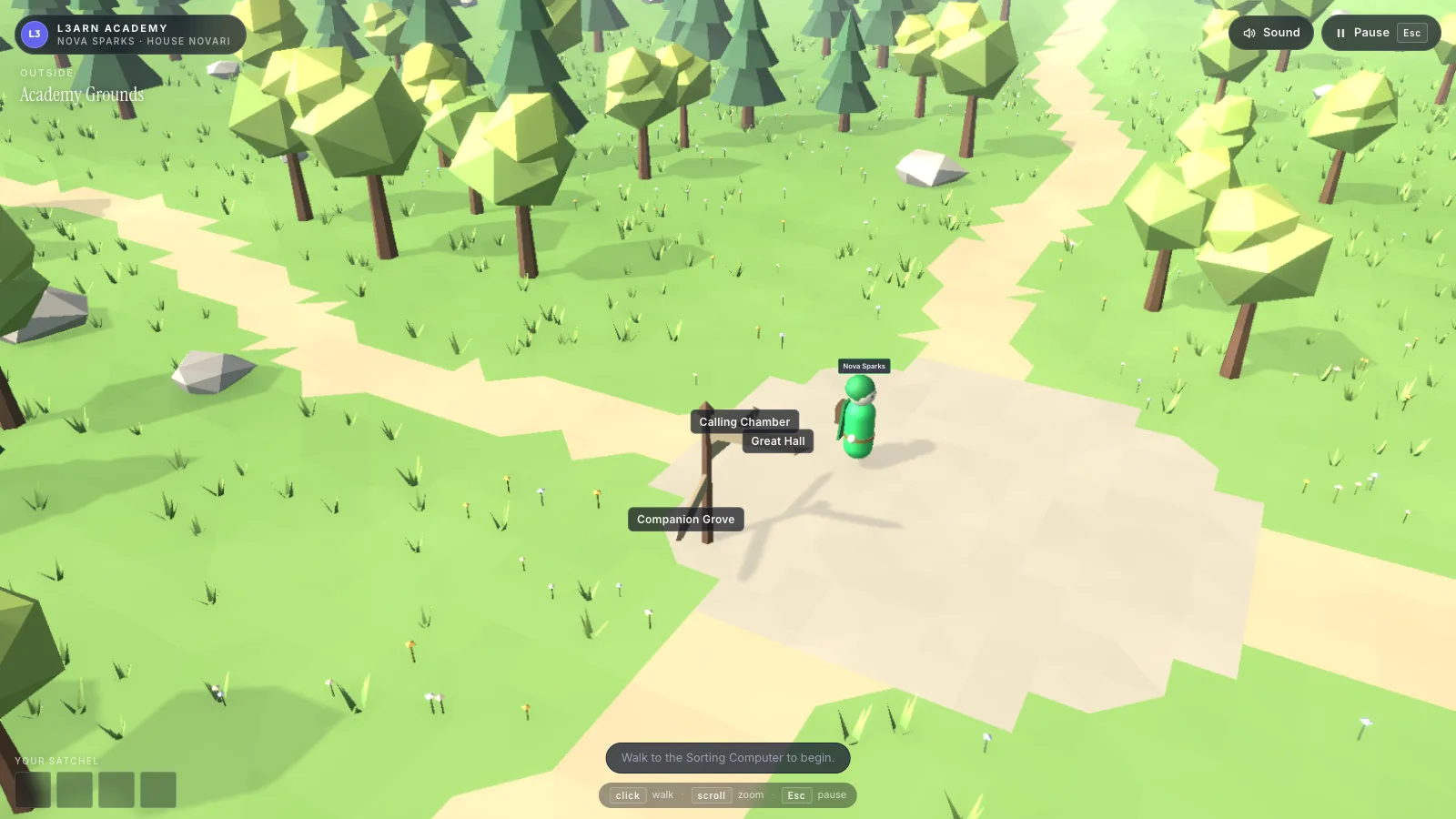
  • Screenshot of the Academy Grounds from above: sandy paths cross a grassy meadow of low-poly trees and rocks, and a signpost beside the child's avatar points to the Calling Chamber, the Great Hall and the Companion Grove.
    Academy GroundsOutside the Hall, paths lead between places. The signpost names where each one goes.
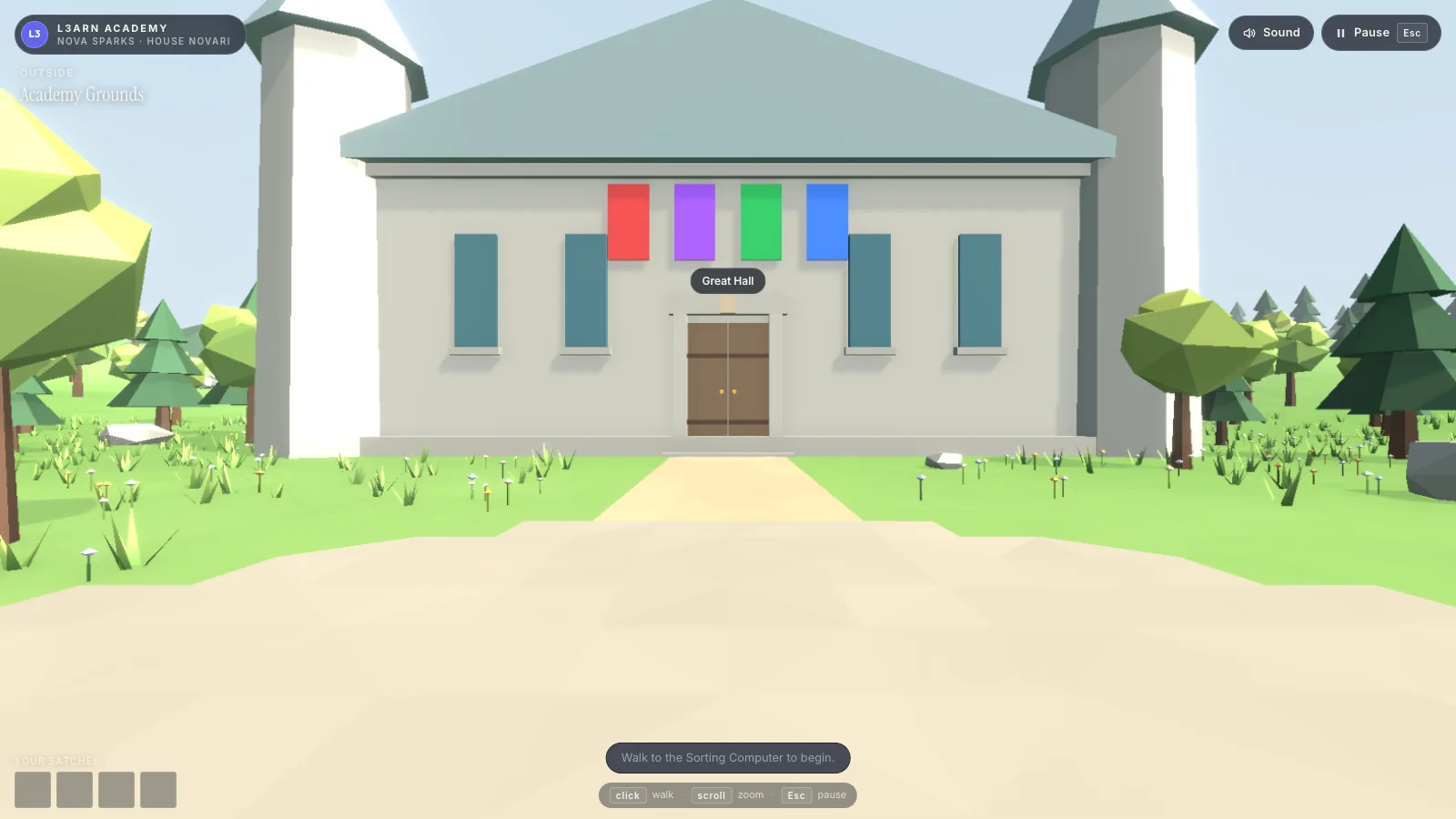
  • Screenshot of the Great Hall building seen from the Academy Grounds path: a pale stone hall with two towers, a wooden double door and four House banners in red, purple, green and blue above the entrance.
    Academy Grounds, facing the HallThe doors are real exits: walk through them to move between the Grounds and the Great Hall.
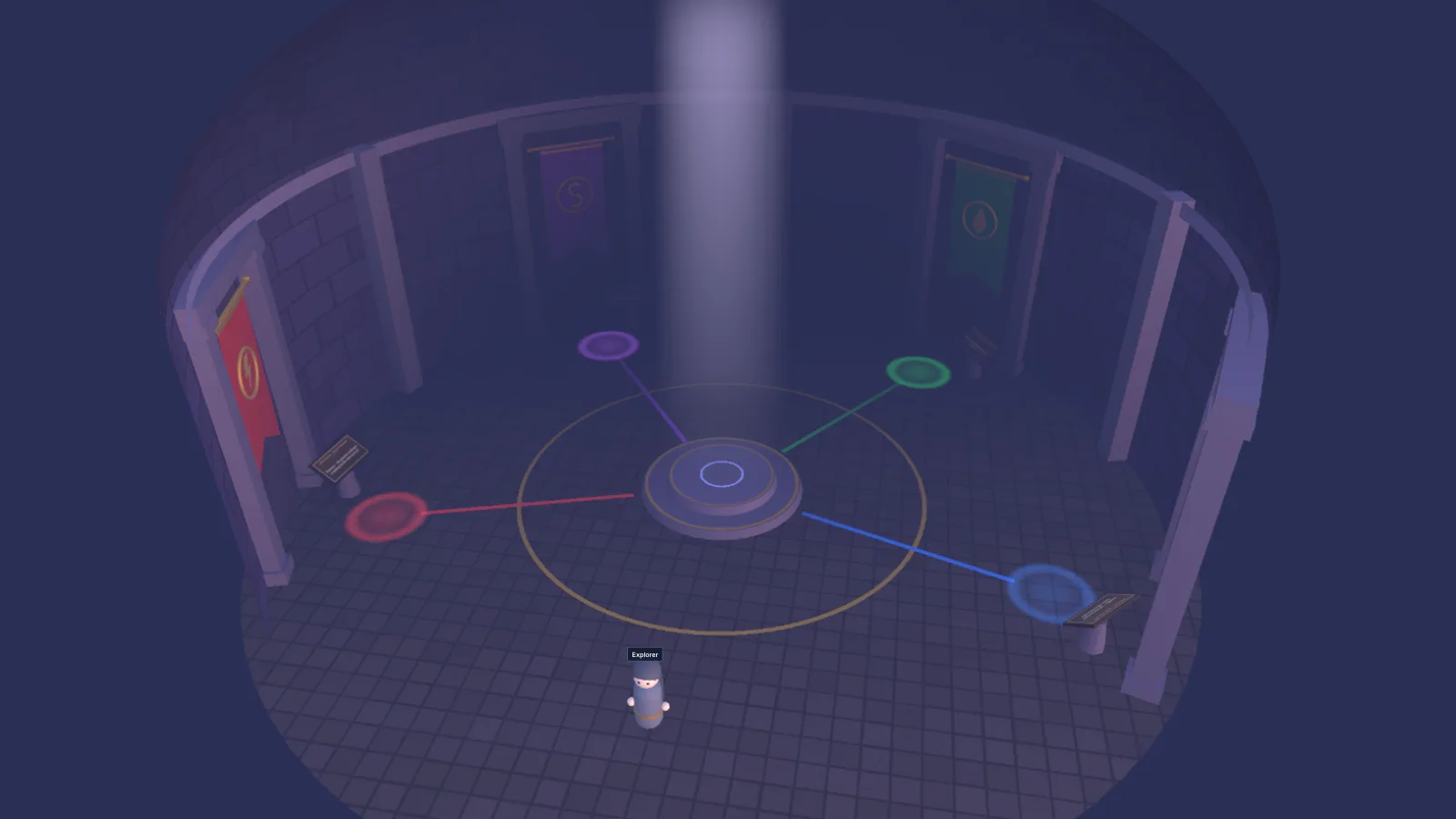
  • Screenshot of the Calling Chamber from above: a round, misty stone room with a beam of light falling on a central dais, and four coloured paths leading out to four House banners around the walls.
    The Calling ChamberHome of the four Houses. A child can walk up to each House's banner to learn what it stands for.
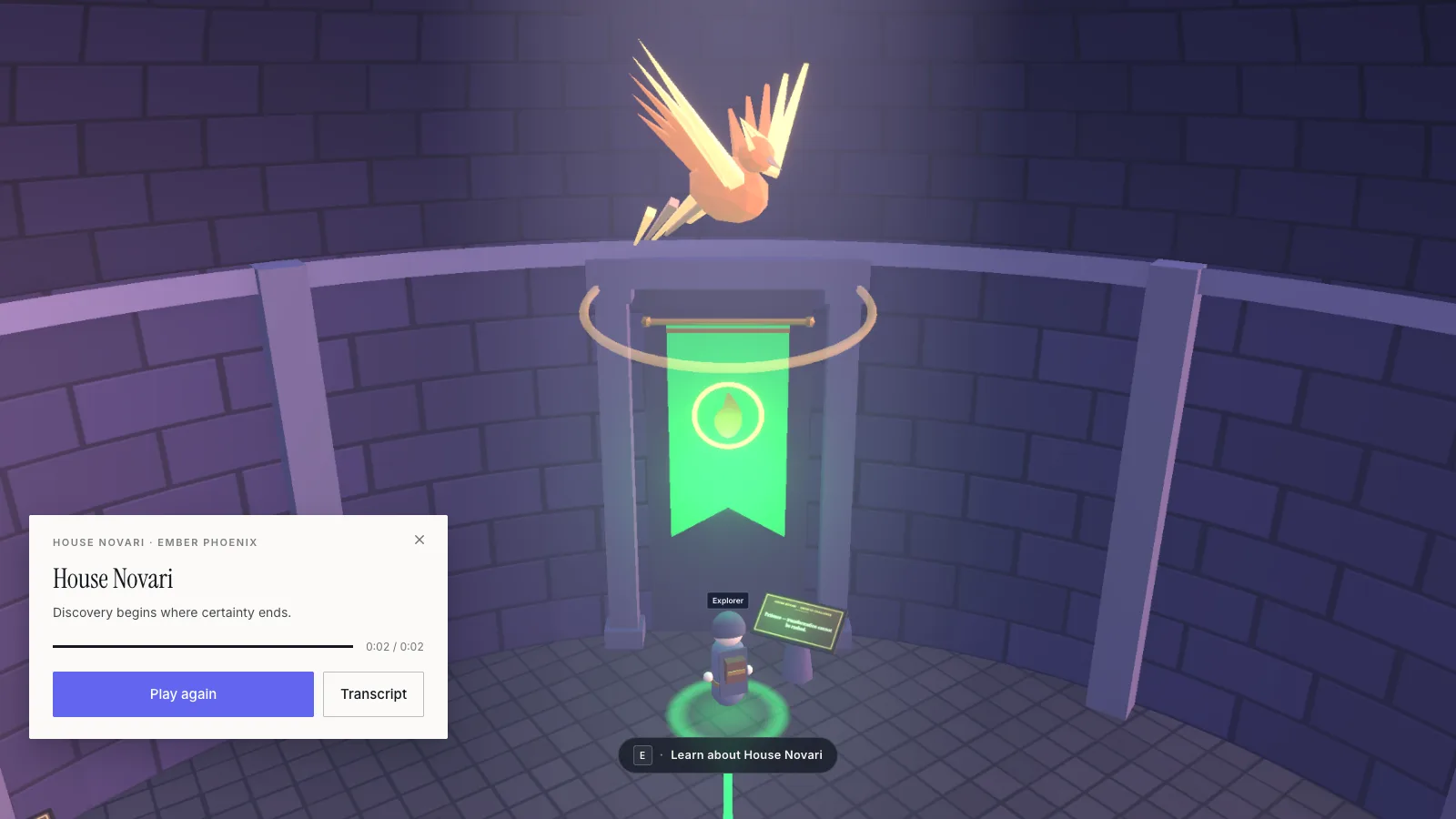
  • Screenshot of the Calling Chamber close up: a glowing green House Novari banner with a phoenix above it, and a narration card reading House Novari, Ember Phoenix, Discovery begins where certainty ends, with Play again and Transcript buttons.
    The Calling Chamber, House NovariStepping up to a banner plays a short narration, with a written transcript one tap away.

Apply now to be a Founding Family and see the product first.

Apply for Founding Family Beta